.png?width=161&height=72&name=Logo%20light%20tr%20(1).png)
Use Find by Address to search for a specific address and display it on the map. This helps you identify units that are at the selected address or closest to it, making it easier to locate nearby units.
How to find an address
-
Click Track to open the Tracking page.
- In the top-right corner of the map, click Find.
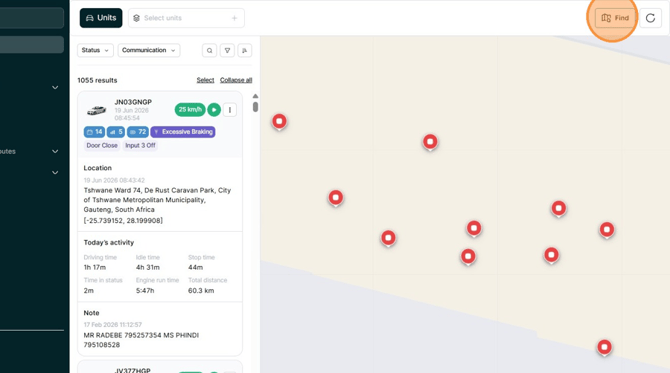
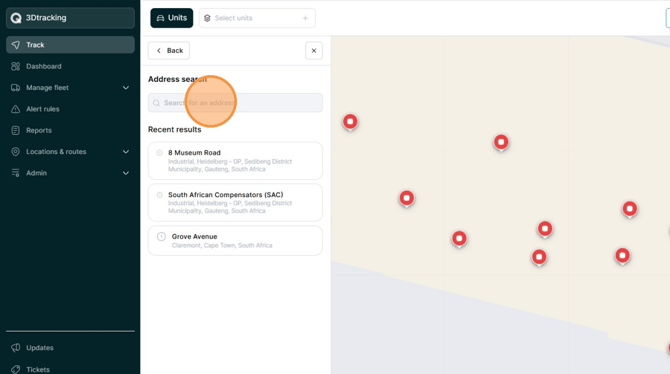
- Select Address.
- Enter the address in the search bar.
-
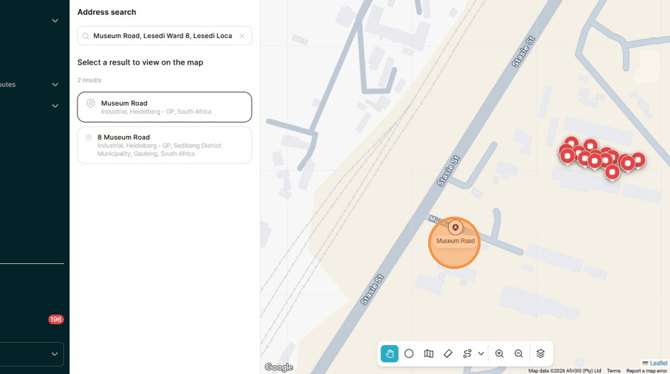
Select the correct address from the matching results.
- The selected address is displayed on the map with a location pin.
- Click the location pin to view the address and identify units that are at or near the selected location.
- Select a unit on the map to view more information about it.
Tip: If you cannot find the address, try entering fewer details, such as the street name and city.