.png?width=161&height=72&name=Logo%20light%20tr%20(1).png)
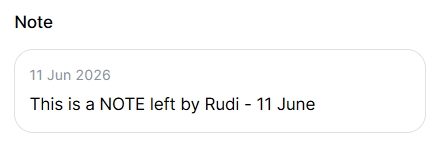
The Note section can include:
- Note or description: Additional information recorded for the selected vehicle or asset.
- Date and time: When the note was created or last updated, when available.
- Read more: Longer notes are shown as a preview. Select Read more to view the full note.
The Note section supports notes of up to 1,000 characters.
The section is displayed only when a note or description is available for the selected unit. If no note is available, the section is hidden to keep the Overview tab clear and focused on relevant information.
Tip: Use notes to quickly understand additional context about a vehicle or asset without leaving the Track page.