.png?width=161&height=72&name=Logo%20light%20tr%20(1).png)
This gives users quick access to useful context while monitoring units on the Track page.
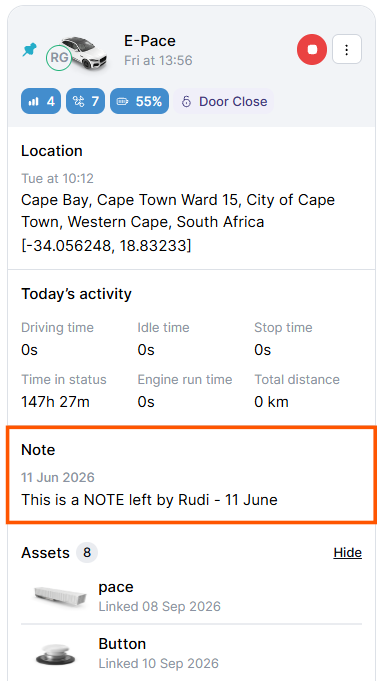
When a note is available, it appears directly on the unit card.
- Conditional display: The Notes section only appears when the unit has a note or description.
- Latest information: The most recent note or description is displayed.
- Collapsed by default: Longer notes are shortened to keep the unit card easy to scan.
- Read more: Select Read more to expand the section and view the full note.
A unit note can contain up to 1,000 characters. Longer notes remain collapsed on the unit card until Read more is selected.
Tip: If you do not see the Notes section, the unit may not have a note or description added, or its display may be affected by your Track Preferences.