.png?width=161&height=72&name=Logo%20light%20tr%20(1).png)
The sensors displayed depend on the unit's configuration, available telemetry, and your Track Preferences.
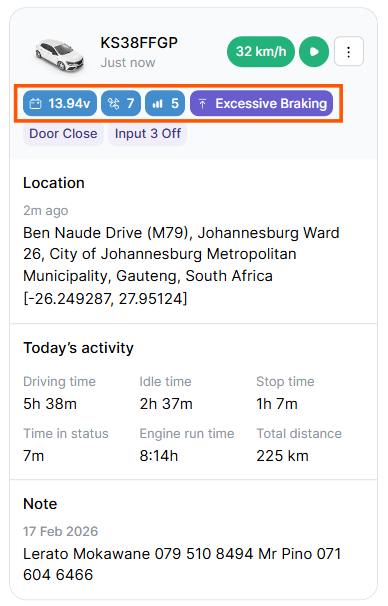
Depending on the unit and its configuration, this can include:
- Fuel Level
- Fuel Used
- Odometer
- Engine hours
- Other configured sensor or diagnostic values
Not every unit will display the same information.
The unit card can display up to four primary sensor values.
Only the primary sensors are shown on the card. If more sensor information is available, you can select the unit to view additional details.
Tip: If a sensor is available for the unit but does not appear on the unit card, it may not be configured as a primary sensor or may be hidden by your Track Preferences.