.png?width=161&height=72&name=Logo%20light%20tr%20(1).png)
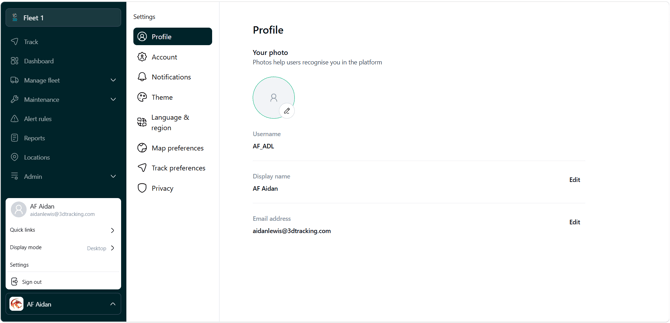
User Settings allow you to personalize how information is displayed and how some features work.
Your settings are linked to your user profile. Changes you make only affect your experience, they do not change the original data or another user's settings.
User Settings are grouped into different areas, making it easier to find and manage your preferences.
|
Settings area |
What you can manage |
|---|---|
|
Profile |
Your personal and profile information |
|
Account |
Your password and sign-in options |
|
Theme |
How the platform looks, including your preferred display theme |
|
Notifications |
How you receive notifications and alerts |
|
Language & Regional Preferences |
How distance, speed, temperature, volume, fuel economy, dates and times are displayed |
|
Map and Track Preferences |
What information is displayed when tracking units |
Tip: Your settings are personal to your user profile. Another user may see information differently if they have selected different preferences.